




SwitchBot Hub 2 Review: The Smart Hub That Ties Your Sleep Bedroom Together

Key Features
Built-In Temp & Humidity Sensor
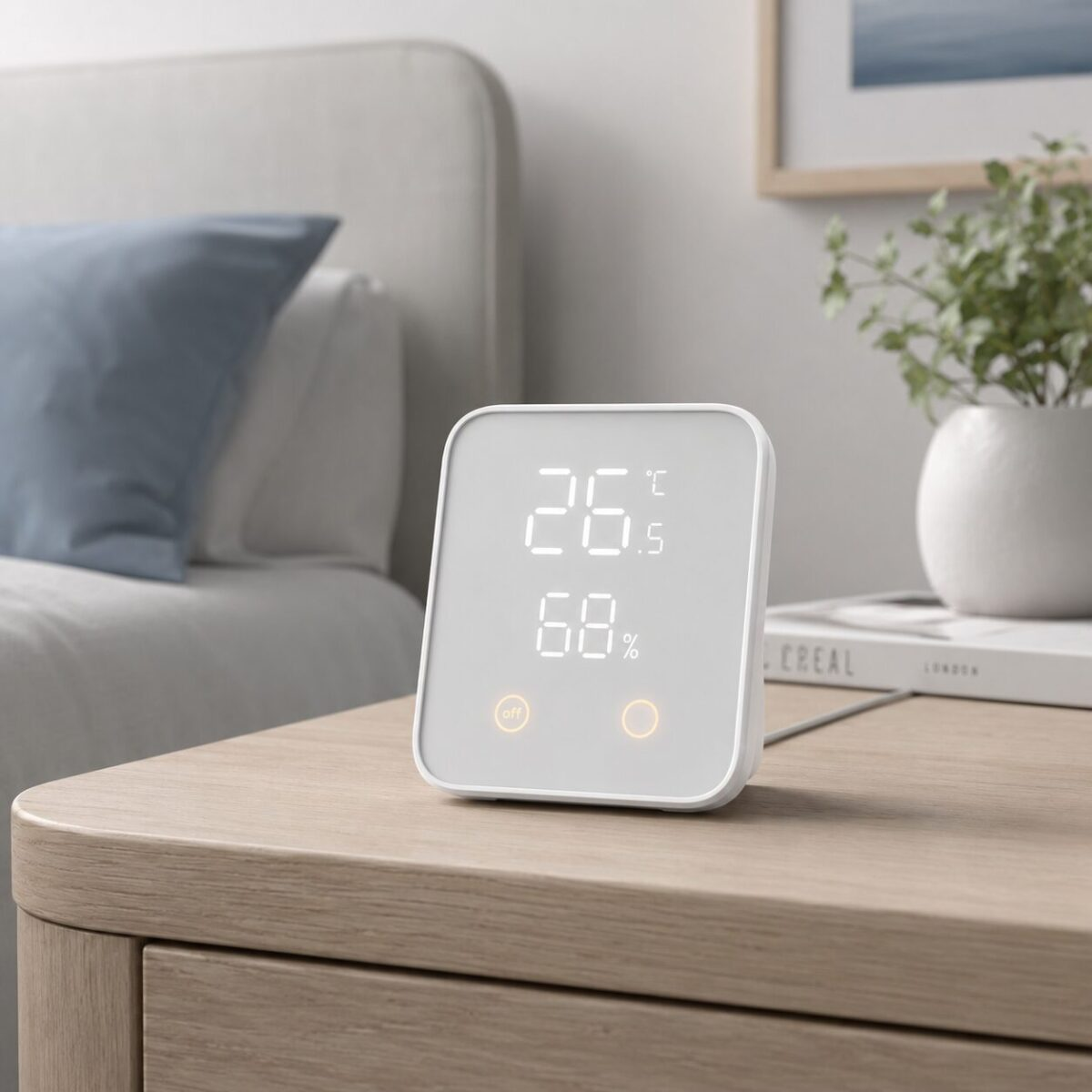
The front display shows live bedroom temperature and humidity, so you can spot why a night ran hot or stuffy without buying a separate hygrometer.
Matter Compatible
Works with Apple Home, Google Home, Alexa, and Samsung SmartThings over Matter. One hub, all the ecosystems.
Scene Buttons for Bedtime
Two physical touch buttons trigger custom scenes. Tap once to dim lights, close curtains, and start a white noise plug at the same time.
Bluetooth + Cloud Bridge
Turns nearby Bluetooth SwitchBot devices into Wi-Fi controllable ones. Useful if your curtain bot or blind tilt sits behind a wall the router can\’t reach.
Our Experience
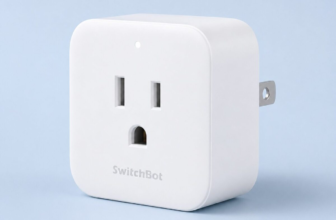
We have a small pile of SwitchBot bedroom gear at this point. A Curtain 3 on the blackout curtain rod, a Plug Mini behind a white noise machine, a Blind Tilt on the venetians by the desk. Up until we added the Hub 2, every one of those lived on its own Bluetooth island. Setting a real wind-down routine meant juggling three separate app tiles.
The Hub 2 changes that part more than the marketing copy suggests. After pairing it next to the bed, every existing SwitchBot device showed up in Apple Home through Matter, which meant we could finally voice-trigger a “good night” scene from the doorway. Curtains close, lights drop to a warm 1800K, the noise machine plug flips on, all in roughly four seconds. The two touch buttons on the hub itself became the backup if our phones were charging across the room.
Surprise win: the temp and humidity readout. Pairing the chart with sleep tracker data made one thing obvious. The nights we slept the worst lined up with bedroom humidity climbing past 60 percent, not just temperature. We moved a dehumidifier into the room and stopped guessing.
Pros & Cons
What We Liked
- Bridges older SwitchBot Bluetooth gear to Wi-Fi and voice control
- Built-in temperature and humidity sensor is genuinely useful for sleep data
- Matter support means it works in Apple, Google, Alexa, and SmartThings setups
- Physical scene buttons make bedtime routines work without unlocking a phone
Worth Knowing
- Display LEDs are visible at night, you may want to tape over them or face it away from the bed
- Initial Matter pairing took us two tries on the first ecosystem
- Power is USB-C cable to wall adapter, no battery option
Full Specifications
| Dimensions | 80 x 70 x 23 mm |
| Connectivity | Wi-Fi 2.4 GHz, Bluetooth 5.0, Matter |
| Sensors | Temperature (-20 to 80°C), Humidity (0-99%) |
| Smart Home | Apple Home, Google Home, Alexa, SmartThings |
| Scene Buttons | 2 customizable physical touch buttons |
| Power | USB-C, 5V / 1A adapter included |
Frequently Asked Questions
Do I need a Hub 2 to use SwitchBot devices?
Will it work with my Apple HomePod or Google Nest?
How accurate is the temperature sensor?
Can I dim the display at night?
Final Verdict
If you have one or two SwitchBot devices in the bedroom and a phone is your only way to control them, the Hub 2 quietly fixes the friction. It pulls them all under voice control, adds usable scene buttons, and the built-in environmental sensor gives you sleep data you would have otherwise been guessing at. For an $80 hub, the sleep-quality return is hard to argue with.
You Might Also Like
- SwitchBot Blind Tilt Smart Combo Review — solar powered automation for venetian blinds
- SwitchBot Curtain 3 Review — wake to sunrise without replacing your curtain rod
- SwitchBot Plug Mini Review — the easiest way to automate a white noise machine
We may earn a commission if you buy through our links.
You might also like:
- Best White Noise Machines Under $50 in 2026: 5 Picks That Actually Help You Sleep
- Is the LectroFan EVO Worth It? Honest 2026 Review
- MZOO Sleep Mask Review: Zero Pressure 3D Design With 99K Reviews
Browse all Sleep Environment >